Why GBP photos support trust before a click
A homeowner searching for an HVAC company or pool tech in Phoenix does not start with your website. They start with a Google search, see a map pack, and scan the profiles that appear. Photos are the fastest signal of whether a business is real, active, and worth a call.
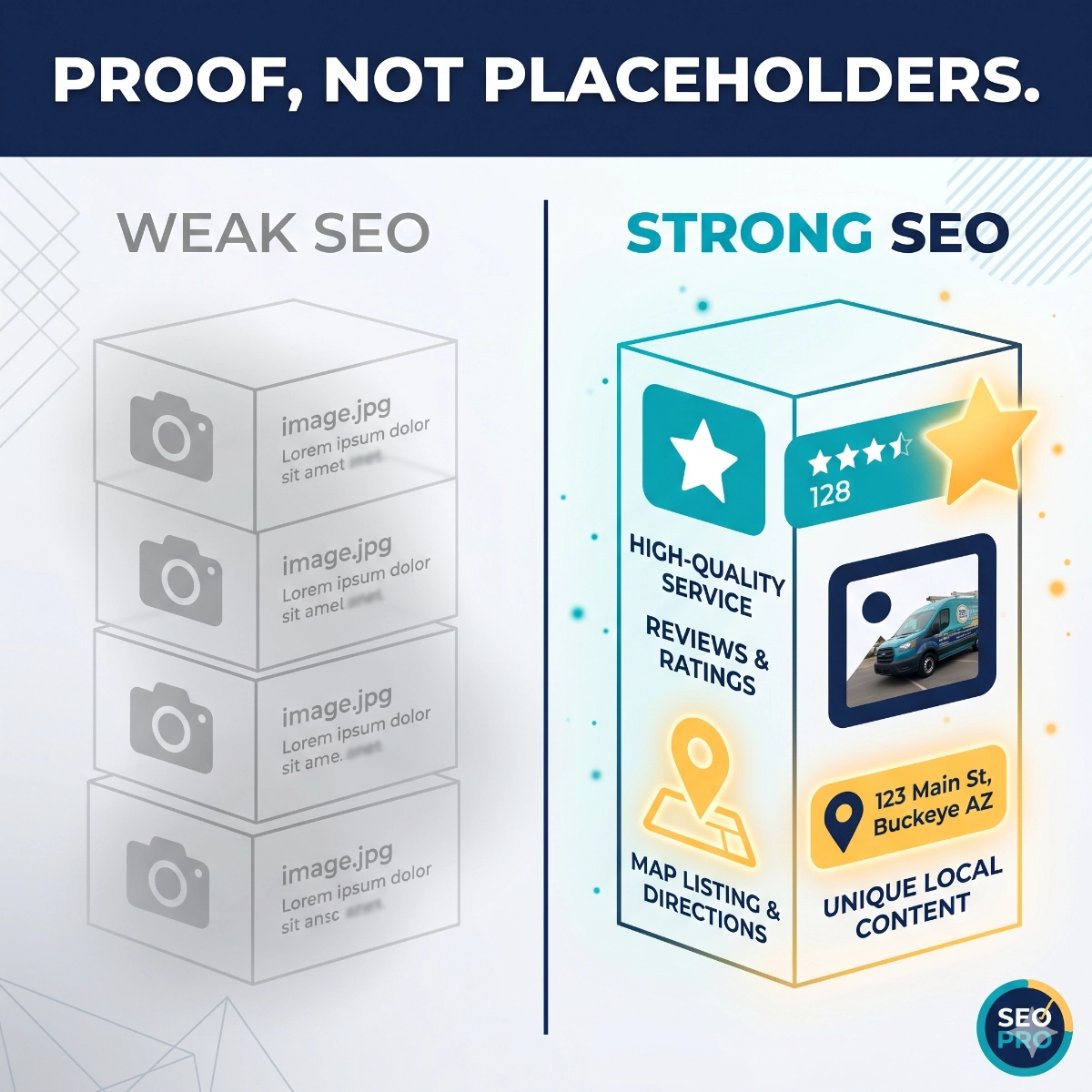
Profiles with recent, relevant photos attract more profile views and direction requests than profiles with outdated or stock imagery. For home-service companies in competitive markets like Buckeye, Goodyear, or the West Valley, a consistent photo presence can be the difference between a tap and a scroll. The goal is not professional photography on every job—it is honest, timely visual proof that your team is doing real work in the area.
Monthly photo categories for home-service companies
Team photos. A face builds faster trust than a logo. Post photos of your technicians at the start of a job, at the truck before a service call, or in branded gear during a crew morning. For Phoenix-area companies, seasonal context helps: a tech gearing up for a summer HVAC rush or a pool service team ready for pre-monsoon cleanups signals relevance to the local market.
Vehicle and equipment photos. Your service trucks are moving billboards. A clean, branded truck parked in a recognizable Buckeye or Phoenix neighborhood confirms you work locally. Post photos of equipment used for the specific service category—pool pumps, electrical panels, HVAC units, irrigation systems—so searchers can connect the equipment to the service before they call.
Job context and process photos. Before-and-after-friendly visuals (without exposing private property details) show prospective customers what a completed job looks like. A plumbing repair, a newly serviced air handler, a cleared drain, or a freshly edged lawn gives searchers a concrete sense of the work quality. Keep angles tight on the work itself rather than wide shots that capture home exteriors or street numbers.
Seasonal and timely work. Desert service companies have natural seasonal angles. Post photos tied to the service window: pre-summer HVAC tune-ups, monsoon drain prep, fall pool closing (or in Phoenix, the shift from cooling to heating mode), lawn dormancy treatment, and holiday lighting installs. Seasonal photos signal that the business is paying attention to local conditions.
Interior workspace and office. If you have a physical office or shop, a photo of the counter, the dispatch board, or the team reviewing a job schedule humanizes the operation. It shows a real business behind the phone number.
Community and local presence. Photos at a local supplier, a job in a recognizable West Valley neighborhood, or a company vehicle near a Phoenix landmark confirm geographic relevance. Keep privacy guardrails in place: avoid capturing identifiable residential addresses, visible license plates for non-company vehicles, or anything that could identify a private home without owner consent.
What not to post
Private addresses and home exteriors. Avoid wide shots that clearly show a customer's home number, street sign, or full facade. Close in on the work, the equipment, or the crew. A photo of a technician at an outdoor AC unit is useful. A photo of the whole house with the address in frame is a privacy risk.
Unsafe or incomplete work. Mid-job photos showing open panels, exposed wiring, or partially repaired systems can concern searchers rather than build confidence. Post photos of completed work or clearly staged process shots, not hazardous conditions.
Messy job sites. A disorganized truck bed, a cluttered work area, or tools scattered across a driveway undercut the quality signal you are trying to build. Photos should reflect the standard of work you want customers to expect.
Stock-like graphics and generic imagery. GBP distinguishes between owner-uploaded photos and user photos. Stock images, branded graphics, and generic visuals do not carry the same trust weight as photos of your actual team and work. Stick to real job documentation.
Low-light or blurry shots. A dark, blurry photo of a job is worse than no photo. Natural light, a simple smartphone, and a steady hand produce images that hold up well at small sizes in a GBP panel or map listing.
How to connect photos to GBP posts, reviews, and service pages
A photo works harder when it supports more than one channel at once. After a completed job, the same image that goes to GBP can anchor a GBP post that describes the work, a review request sent to the customer, and a service page image that shows real work instead of stock art.
GBP posts with photos get more engagement than text-only posts. When you upload a new batch of job photos, pair them with a post that names the service, the area, and a native call to action: 'We serviced three pool pumps in the Verrado area last week. Ready to schedule your pre-summer inspection?' That kind of post connects local visual proof to a booking prompt without sounding like an ad.
Reviews and photos reinforce each other. A customer who leaves a review after seeing a professional technician photo on GBP is more likely to mention the team by name or describe the quality of the work. That detail makes the review more useful for future searchers. The photo-to-review connection is especially valuable in service-dense markets like Phoenix where many companies have similar review counts.
Service page internal links complete the loop. When a searcher moves from GBP to your website, the service page they land on should reflect the same real-work visual quality. Linking blog content to the relevant service page, and keeping photo quality consistent across GBP and the site, reduces the friction between profile discovery and a contact form submission.
Simple monthly photo checklist for small teams
A small home-service team does not need a photographer or a weekly content meeting. A practical monthly rhythm keeps the GBP profile active without adding burden to the dispatcher or owner.
Each month, aim for: two to three team or crew photos (rotate technicians so the profile reflects the full team), two vehicle or equipment photos (show different service categories when possible), four to six job photos (mix of process and completed work across the service area), and one seasonal or local context photo tied to the current month's demand. That is roughly eight to twelve photos per month—enough to maintain recency signals without requiring a dedicated content role.
Assign one team member to capture job photos before leaving a site. A brief standard: take two photos per job (one of the work, one of the technician or truck), only photograph completed or clearly in-progress work, and use the GBP mobile app to upload directly from the phone. Batch review weekly and upload anything clean.
How to measure profile engagement and call quality
Google Business Profile Insights shows photo views, search impressions, direction requests, and call clicks. Review these numbers monthly to understand whether the photo strategy is moving the profile forward. A growing photo view count alongside steady or rising call volume is a positive signal. A high impression count with low call volume may indicate the profile is visible but not compelling enough to prompt action.
Track which photo categories generate the most views. GBP does not always provide category-level data, but you can compare upload dates against view spikes to get a rough sense of which images resonate. Team and vehicle photos often perform well because they confirm local presence. Process and completed-work photos build longer-term trust with searchers who are still comparing options.
Call and form quality matter as much as volume. If inbound calls from GBP are higher quality after consistent photo uploads—meaning callers reference the team, the local area, or a specific service they saw—that is a signal the visual trust-building is working. Log call source and first comment in your CRM to build that picture over three to six months.
RESOURCES
Connect photo activity to your review request workflow so completed jobs support both visual trust and review volume.
See how Phoenix-area contractors use automation to stay visible between jobs and reduce manual follow-up.
Browse more local trust-building and GBP optimization articles for Phoenix-area home-service companies.
Map a GBP photo and content plan that fits your team's schedule and service area.
Build a photo plan your team can actually keep up with.
Buckeye GMB helps Phoenix and Buckeye-area home-service companies build GBP photo routines, connect visual proof to review requests, and measure profile engagement over time.
Plan Your GBP Strategy